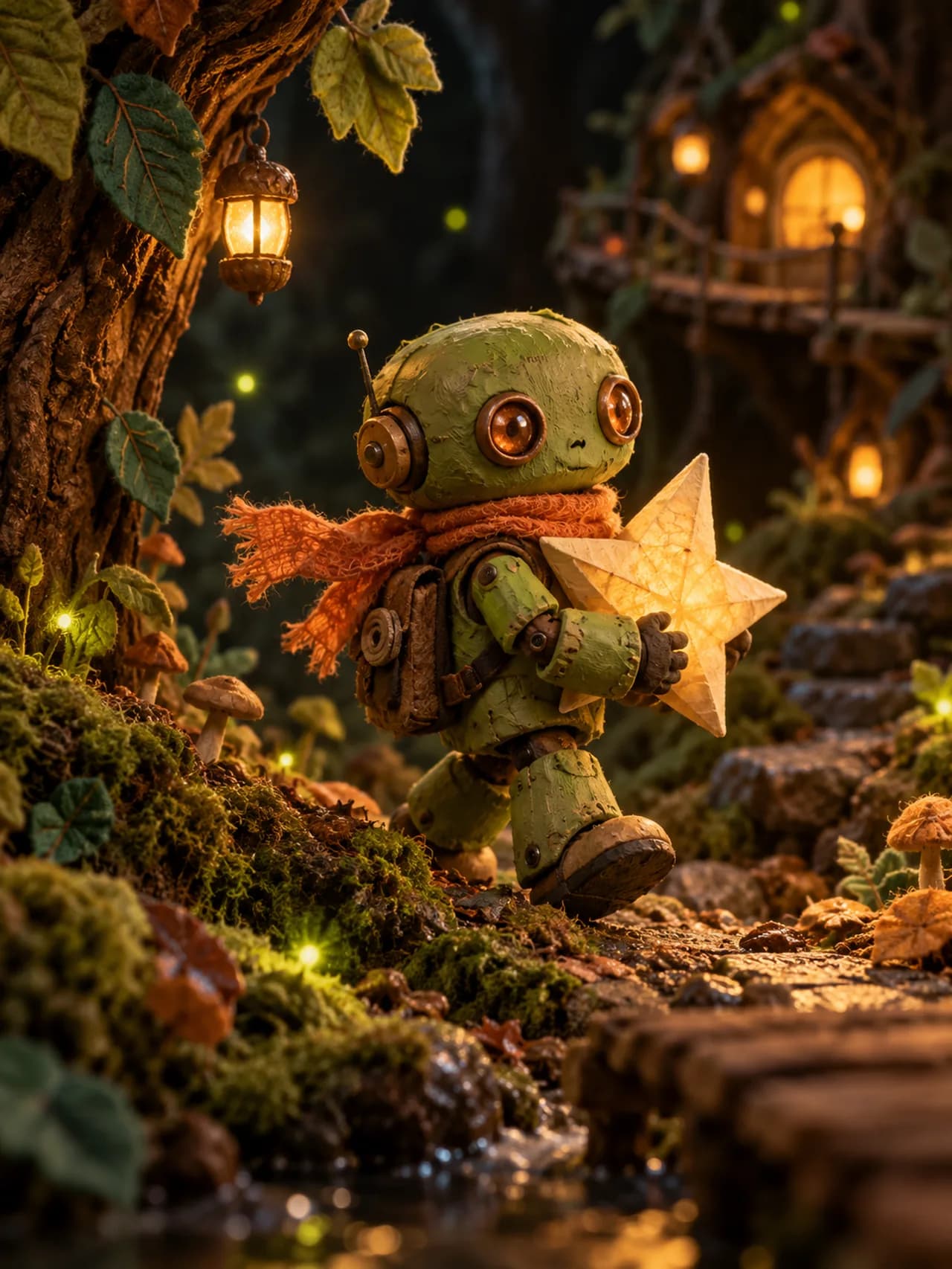
Let the source image do the visual work
An image-to-video brief works best when the starting frame already contains the right subject, style and composition. The motion instruction can then focus on what changes: a gesture, a camera move or a small environmental detail.
MakeStory includes a clip workflow with source-image and motion controls. Available models and options can change with provider configuration. Check the actual controls and credit quote in your workspace.
Prepare a clear motion brief
- Use a source image you own or have permission to animate.
- Check that the subject and important props are visible.
- Describe one main action and, if necessary, one camera move.
- Choose an available duration and output setting.
- Review faces, hands, edges and motion continuity before using the clip in a story.
Keep expectations specific
An instruction such as “the fox raises one paw while the camera slowly moves closer” is easier to review than a request for a chase, a transformation and a new location in the same short clip.
The example gallery contains original AI-generated stories with character motion and English dialogue. Use their scene notes to study framing and timing. Your own rendering options depend on the models, credits, and plan available in your workspace.