
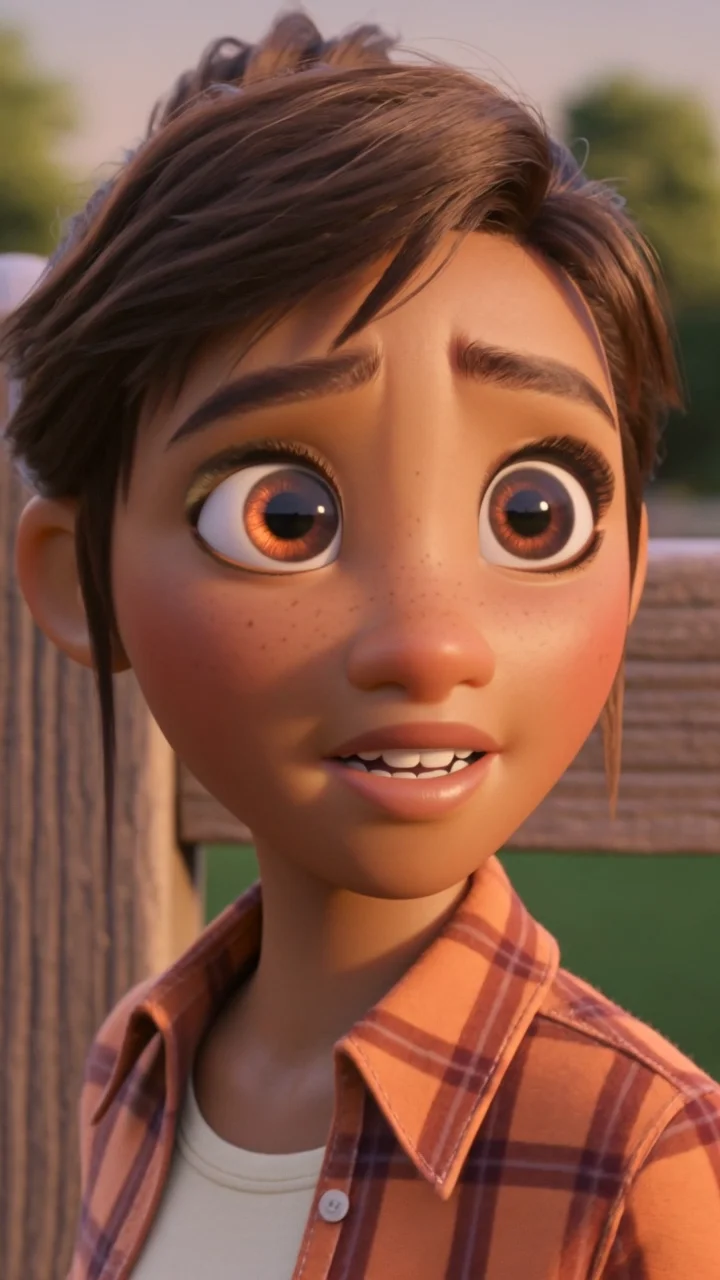
Create a video through a conversation.
Describe your video to the AI director. Review the story, characters and scenes as you go.
Explore AI directorCreate images, animate scenes and add voice, subtitles and music in one workspace.
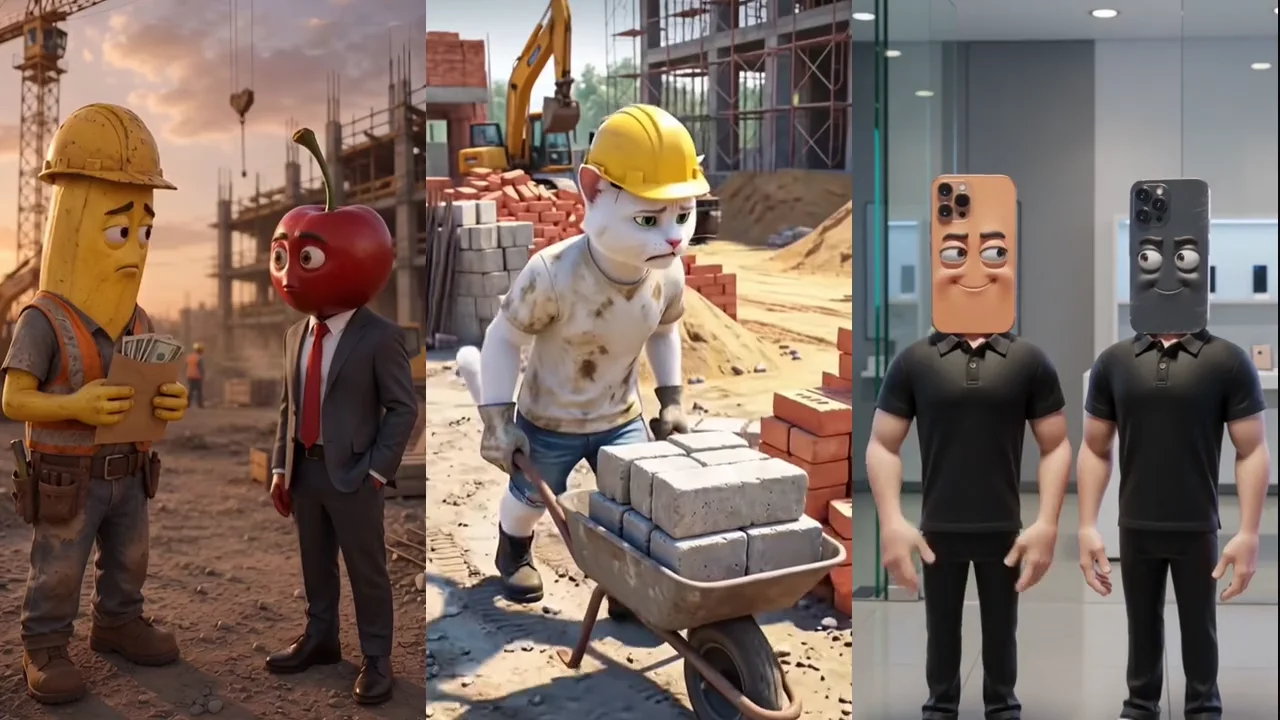
Where's my pay?
A banana construction worker asks his cherry boss for the wages he earned.
Use a guided workflow, direct each scene or plan a series with recurring characters.
Describe your video to the AI director. Review the story, characters and scenes as you go.
Explore AI director
Choose a style, describe your idea and review your scenes. Add animation, voice, subtitles and music.
Explore Express video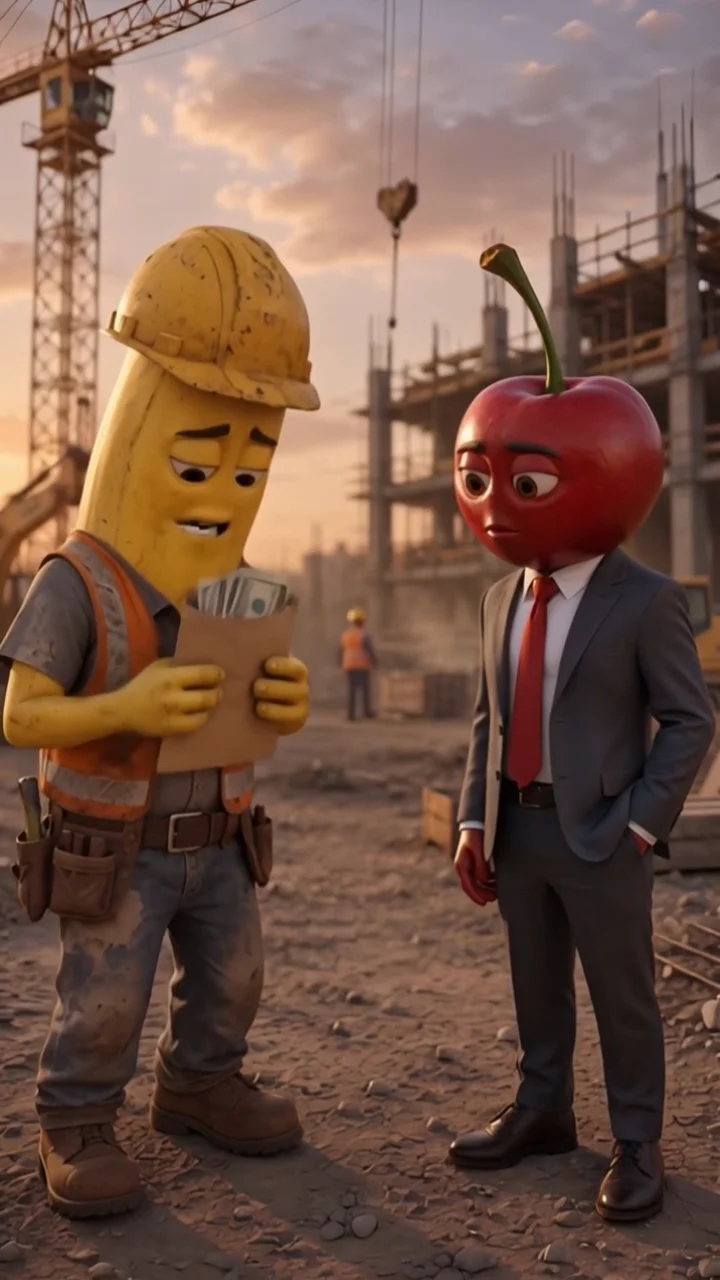
Plan a series and reuse characters from your library in each episode.
Explore Series
Set the image, movement and duration for each scene. Review the result before you export.
Explore StudioChoose realistic images, 3D characters, clay animation or anime.
Practical guides, character notes and a free storyboard planner.
Save character references and reuse your cast across scenes and episodes. Learn how MakeStory helps you manage visual continuity.
Plan an AI video series with recurring characters, episode ideas and scene editing in MakeStory.
Use the free storyboard planner to map a hook, a turning point and an ending. Edit and download your scene brief without an account.
Write an idea, review the generated scenes, then add animation and sound.
Open workspaceChoose a style and describe the story and characters you want.
Check the images and edit your scenes before generating motion.
Add subtitles and music, then download your video as an MP4.
Sign in with a verified email to receive 9,000 one-time test credits. Create up to three short videos without entering payment details.
Test credits remaining
9,000
Video attempts remaining
3 / 3
Videos use Grok at 480p and last up to six seconds. The test includes up to nine Fast images and 12 director or story requests. Each video attempt counts when submitted for generation, including failed attempts. Credits and limits do not reset.
Start creatingSign in with a verified email to receive 9,000 one-time test credits. Create up to three short videos without entering payment details.
No. Express walks you through an idea, images and a finished video. Studio gives you more scene-by-scene control when you want it.
Create or import a character into your library, then reuse their portrait and identity in your scenes and episodes. References help keep their appearance consistent.
Videos use Grok at 480p and last up to six seconds. The test includes up to nine Fast images and 12 director or story requests. Each video attempt counts when submitted for generation, including failed attempts. Credits and limits do not reset.
Download your MP4 and post it to TikTok, Instagram Reels, YouTube Shorts or your own channels. Choose vertical 9:16 or horizontal 16:9.
Review the credit cost before you generate.